

The proven way to reduce no-shows and improve the patient experience
Every thriving dental practice depends on a reliable appointment schedule—and every reliable schedule depends on dental appointment reminders that actually work. Whether you use a full dental appointment reminder system like Oryx Dental Software or a mix of manual methods, the right reminder workflow keeps chairs full, patients happy, and front-desk stress low.
This article explores today’s best practices in appointment reminders—what works, when to send them, and how to create an experience patients appreciate.
Why Every Practice Needs a Strong Reminder Strategy
Dental practices lose thousands each year to last-minute cancellations and no-shows. But effective reminders are more than a financial safeguard—they’re a way to demonstrate reliability, professionalism, and care.
A well-structured appointment reminder system can:
- Cut no-shows by 30–40%.
- Save hours of staff time each week.
- Increase treatment plan completion rates.
- Improve patient satisfaction and long-term retention.
The goal isn’t just attendance—it’s building a smoother, more predictable experience from the moment a patient books.
Types of Dental Appointment Reminders
Not every patient prefers the same channel, and the best reminder systems offer options. Here are the most effective types:
1. SMS Text Reminders
Short, personal, and hard to miss. Text message appointment reminders are the gold standard for immediacy and response.
Best practice: Keep under 160 characters and include a simple confirmation option.
“Hi Alex, your cleaning with Dr. Li is tomorrow at 2 PM. Reply Y to confirm or C to reschedule.”
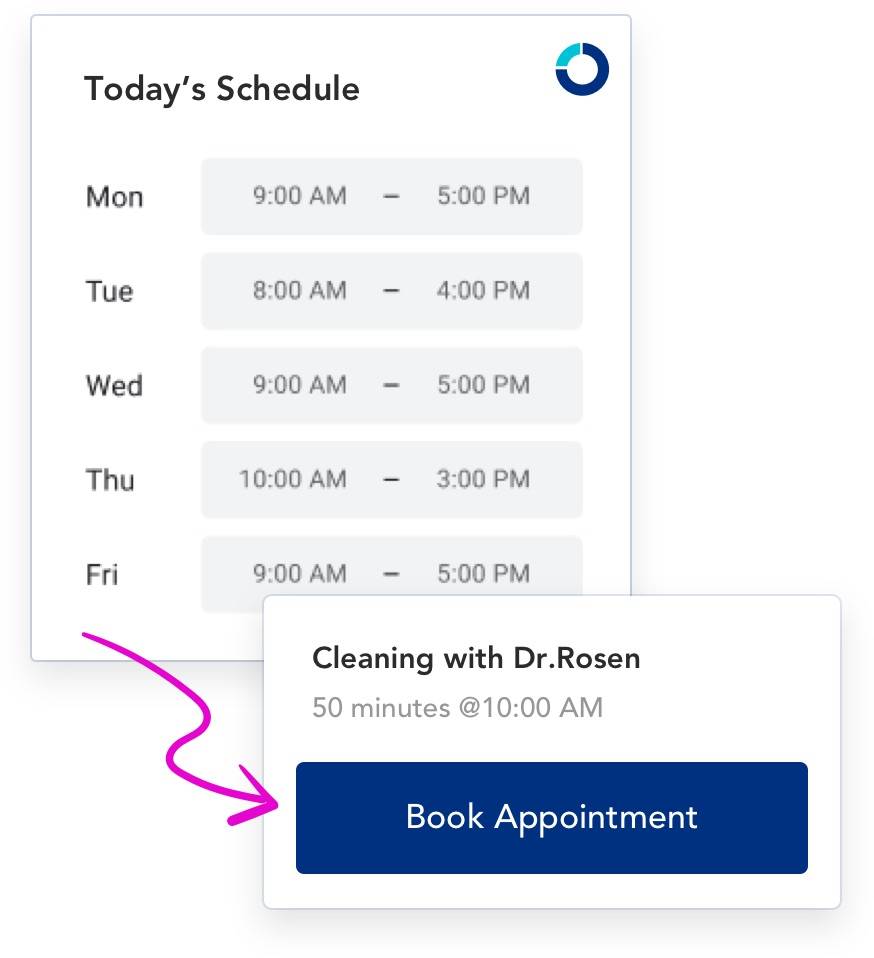
Oryx automates SMS reminders directly from the appointment schedule, automatically logging confirmations and updates.
2. Email Reminders
Ideal for longer messages, attachments, or pre-visit instructions.
Best practice: Send an email one week out and another 48 hours before the visit. Include your practice name, address, and a calendar link.
Tip: Use branded templates with your logo and consistent tone for recognition.
3. Phone Call Reminders
Still highly effective, especially for older patients or major procedures. Automated calls can include the provider name, appointment time, and call-back options.
Best practice: Reserve personal calls for high-value appointments (surgical, cosmetic, or multi-step cases).
4. Push Notifications and In-App Alerts
For practices using cloud-based dental software with patient portals, push notifications help patients confirm or check in digitally.
Best practice: Use these for same-day reminders, virtual check-ins, or last-minute schedule changes.
The Rule of Three: When to Send Reminders
The most effective cadence is simple:
- At Scheduling: Confirmation sent the moment the appointment is booked.
- 48 Hours Before: The most crucial reminder window—patients are still flexible.
- Day Of: A quick, mobile-friendly nudge to confirm or update.
Bonus: For hygiene visits, a 6-month recall reminder keeps patients on track automatically. Oryx practices can trigger these directly from completed appointment data—no manual tracking required.
Personalized Dental Appointment Reminders Build Loyalty
Automation doesn’t have to feel robotic. Personalization increases open rates and reduces no-shows because patients feel recognized.
- Use the patient’s first name and provider name.
- Match their preferred channel (text, email, or phone).
- Include helpful next steps (e.g., “Complete your health form online”).
- Keep the tone friendly, not transactional.
In Oryx, personalization is built in—each reminder pulls from real patient data, ensuring accurate names, times, and preferences every time.
Smart Automation Reduces Front Desk Workload
Manual reminder calls take time—and still miss patients after hours. That’s why many practices move to automated dental reminder software like Oryx, where scheduling, messaging, and confirmations are unified in one system.
When reminders sync directly with the calendar:
- Confirmations instantly update the schedule.
- Cancellations trigger waitlist notifications.
- Reminder history is logged automatically.
The result: fewer missed calls, less double-entry, and a front desk that can focus on patient care rather than paperwork.
Universal Best Practices (Even If You’re Not Using Oryx Yet)
If you’re still evaluating reminder systems, these vendor-neutral practices work with any tool:
- Consistency matters: Use the same tone, time, and message details across channels.
- Track confirmation rates: Aim for 85%+ confirmations across appointments.
- Avoid message fatigue: Stick to the “rule of three” to prevent over-messaging.
- Respect patient time: Send reminders during business hours, not late evenings.
- Keep messages clear: Simple, plain-language reminders outperform long or technical ones.
Measure What Matters: From No-Shows to Recall Retention
Every reminder campaign should connect to measurable outcomes:
- No-show rate: Track reductions after implementing new reminders.
- Confirmation response time: Faster responses mean higher patient engagement.
- Recall compliance: Tie post-visit reminders to long-term hygiene scheduling.
Oryx’s integrated analytics dashboard makes these metrics visible in real time—so practices can monitor results and fine-tune communication strategies continuously.
The Takeaway: Seamless Communication Builds Trust
When appointment reminders are timely, consistent, and personal, they enhance both productivity and patient trust. Patients appreciate reminders that feel like care, not control—and teams appreciate tools that make that care easier to deliver.
With Oryx’s dental appointment reminder system, practices can automate communication, eliminate manual scheduling headaches, and create a connected, patient-first experience from booking to recall.
Ready to reduce no-shows and simplify scheduling?
Discover how Oryx’s all-in-one dental software automates reminders, integrates patient communication, and keeps your practice running efficiently. Book a demo today.